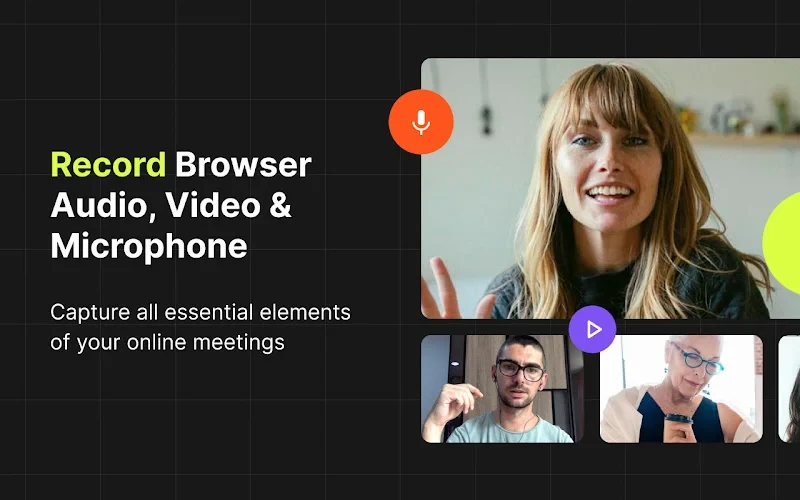
Record any online meeting, class, webinar, or call right from Chrome Browser.
One click to start. High-quality video and clear audio. Files are saved locally for maximum privacy—no account, no uploads.
✨ Key features
- 🔹One-click recording — no account, login, or setup required.
- 🔹Works on popular platforms — Zoom (web), Google Meet, Microsoft Teams (web) and most browser-based meeting tools.
- 🔹High-quality video — captures at the tab’s original resolution for crisp results.
- 🔹Crystal-clear sound — built-in AI noise suppression reduces keyboard, fan, and background noise.
- 🔹Local & private — recordings are saved to your computer, not to the cloud.
- 🔹Crash-safe — auto-recovery helps restore recordings even after a browser or system crash.
- 🔹Easy downloads — WebM output with sensible filenames.
- 🔹Flexible audio — capture tab audio/video, microphone, or both;
- 🔹Pause/Resume — keep only the parts you need.
- 🔹Lightweight — minimal CPU usage with smart defaults.
📁 Output & formats
- 🔹Video: WebM (VP8/opus) the default (MP4 depending on system/hardware)
- 🔹Quality: original tab resolution when available;
🔐 Privacy & permissions
- 🔹All recordings are stored locally on your device.
- 🔹No server processing, no ads.